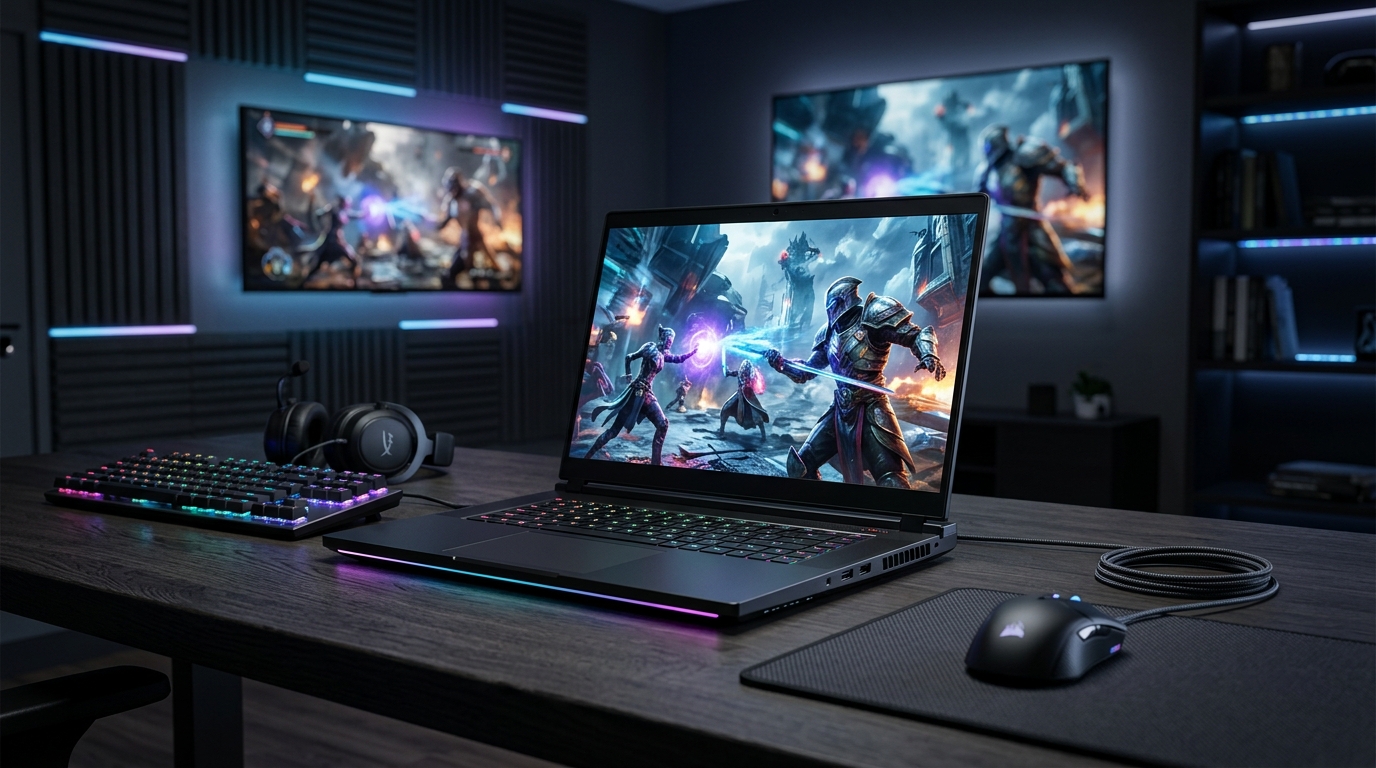
Gaming laptops changed a lot in the past two years. The biggest shift is the move to RTX 50-series GPUs from Nvidia, which launched in early 2025 and now power most new machines. If you’re buying in 2026, the spec sheet looks different from what you saw in 2024. This guide breaks down what actually matters when you’re comparing models.
GPU First, Everything Else Second
Your graphics card decides how games look and how fast they run. In 2026, Nvidia’s RTX 50-series is the default in mid-range and premium laptops. The RTX 5060 handles 1080p at high settings, the RTX 5070 and 5070 Ti push into 1440p territory, and the RTX 5080 and 5090 are built for 4K or high-refresh 1440p.
Here’s the part most buyers miss: laptop GPUs run at lower power than desktop versions. An RTX 5070 in a thin laptop might run at 65 watts, while the same chip in a thicker machine can run at 115 watts. That difference can be 20 to 30 percent in frame rates. Always check the wattage, not just the model name.
AMD’s Radeon RX 9000M series is also worth a look. The RX 9070M competes with the RTX 5070 on price, and in some titles it’s faster. Driver support has improved, though Nvidia still leads on features like DLSS 4 and ray tracing performance.
Why VRAM Matters More Than Ever
Games in 2026 use more video memory than they did two years ago. 8GB is now the bare minimum, and you’ll see texture pop-in on demanding titles like Cyberpunk 2077 with ray tracing enabled. 12GB is the sweet spot for 1440p. If you want 4K or plan to keep the laptop for four or more years, aim for 16GB.
Don’t let a salesperson talk you into a great GPU with 8GB of VRAM. That combo will age faster than you expect.
Displays: Refresh Rate and Panel Type
A fast GPU means nothing if the screen can’t keep up. In 2026, 165Hz is the new baseline for gaming laptops. 240Hz is common in the $1,500 to $2,500 range, and 300Hz+ panels show up in premium models.
Panel technology matters just as much. OLED laptops like the ASUS ROG Zephyrus G14 and G16 offer near-instant response times and perfect blacks. The trade-off is burn-in risk and higher prices. Mini-LED is a middle ground, with bright highlights and no burn-in, though you’ll notice some blooming around bright objects on dark backgrounds.
If you play competitive shooters like Valorant or CS2, prioritize refresh rate and response time. If you play single-player games, OLED’s contrast and color will impress you more.
Resolution and Screen Size
14-inch laptops usually pair with 1600p or 1800p panels. 16-inch models often go 1440p or 4K. A 15-inch 1080p screen still works for esports, but text looks soft for everyday use. 1440p at 16 inches is the best balance for most people.
CPU, RAM, and Storage
Intel’s Core Ultra 200H series and AMD’s Ryzen 9000H chips power most 2026 gaming laptops. For gaming alone, a mid-tier CPU like the Core Ultra 7 255H or Ryzen 7 8845HS is plenty. You only need a top-tier chip if you’re streaming, editing video, or running CPU-heavy simulations.
RAM is where manufacturers cut corners. 16GB of DDR5 is the minimum in 2026. 32GB is worth the upgrade if you multitask or play games with heavy mods. Some laptops solder RAM to the board, so you can’t upgrade later. Check before you buy.
For storage, 1TB NVMe SSDs are standard. Games like Call of Duty can eat 150GB or more, so 512GB fills up fast. Make sure the laptop has a second M.2 slot if you plan to expand.
Cooling, Size, and Battery Life
Thin laptops look great, but they run hotter and louder. A 0.7-inch thick machine with an RTX 5080 will throttle under sustained load. Thicker models with vapor chambers and dual fans, like the Lenovo Legion Pro 7i, hold higher clock speeds for longer.
Battery life on gaming laptops is still modest. Expect 4 to 6 hours of light use and 1.5 to 2 hours of gaming. Some 2026 models with efficient chips and OLED panels stretch to 8 hours of video playback. If battery life matters, look for a laptop with a MUX switch and a large 99Wh battery.
Noise and Keyboard Feel
Fan noise varies a lot. Some laptops hit 50 decibels under load, which is louder than a normal conversation. If you game with speakers or a headset, it’s less of an issue. If you share a room, look for reviews that measure noise levels.
Key travel and layout also matter. Most gaming laptops use 1.5mm to 2mm travel, which feels fine for typing. Per-key RGB is common, but it doesn’t affect performance. Focus on the feel, not the light show.
How to Choose Based on Budget
Prices in 2026 range from about $900 to over $4,000. Here’s a rough guide:
- Under $1,200: Look for an RTX 5060, 16GB RAM, 512GB SSD, and a 144Hz 1080p screen. Brands like Acer Nitro and HP Victus offer solid value here.
- $1,200 to $2,000: This is the sweet spot. You can get an RTX 5070 or 5070 Ti, 32GB RAM, 1TB SSD, and a 240Hz 1440p display. The Lenovo Legion 5i and ASUS TUF A16 are strong contenders.
- $2,000 to $3,000: Expect an RTX 5080, premium build, OLED or mini-LED screen, and better cooling. The Razer Blade 16 and Alienware m16 sit here.
- Over $3,000: You’re paying for an RTX 5090, top-tier CPU, and flagship design. Diminishing returns kick in hard unless you need maximum performance.
Wait for sales if you can. Back-to-school and Black Friday discounts often knock $200 to $400 off mid-range models.
What About Portability?
If you carry your laptop daily, weight matters. Most 16-inch gaming laptops weigh 5 to 6 pounds. 14-inch models like the Zephyrus G14 come in around 3.5 pounds. You’ll pay more for the smaller size, but your back will thank you.
Charging bricks are another factor. Some laptops use 240W or 330W adapters that weigh over a pound. A few 2026 models support USB-C charging at 100W, which is slower but fine for light tasks.
Conclusion
In 2026, the best gaming laptop for you depends on three things: GPU wattage, screen quality, and cooling. Don’t get distracted by RGB or marketing terms. Check the VRAM, confirm the RAM is upgradeable, and read reviews that measure real performance. A well-chosen $1,500 laptop will beat a poorly chosen $2,500 one every time.
Q: Is 16GB of RAM enough for gaming in 2026?
For most games, yes. 16GB of DDR5 handles current titles fine. But if you stream, edit video, or run heavy mods, 32GB gives you more headroom. Also check whether the RAM is soldered or upgradeable, since some thin laptops don’t let you add more later.
Q: Should I buy an OLED or mini-LED gaming laptop?
OLED offers perfect blacks and fast response times, which suits single-player games. Mini-LED gets brighter and avoids burn-in, which suits bright rooms and long sessions. Both look great. If you play competitive shooters, a fast IPS panel at 240Hz or higher is often the better pick.
Q: How much should I spend on a gaming laptop in 2026?
Most people are best served by the $1,200 to $2,000 range. That gets you an RTX 5070 or 5070 Ti, 32GB RAM, 1TB SSD, and a 240Hz 1440p screen. Spending less means compromises on GPU or display. Spending more only makes sense if you need 4K gaming or maximum performance.
Q: Do gaming laptops overheat easily?
Thin laptops can run hot under load, and some throttle performance to stay cool. Thicker models with vapor chambers and dual fans handle heat better. You can also use a cooling pad and raise the rear of the laptop to improve airflow. Undervolting the CPU can lower temperatures without hurting frame rates much.
Q: What’s the difference between RTX 5070 and 5070 Ti in laptops?
The 5070 Ti has more CUDA cores and usually more VRAM, so it’s faster in demanding games. But wattage matters more than the name. A 5070 running at 115W can beat a 5070 Ti limited to 80W. Always check the power limit listed in reviews before you compare models.
Article Was Generated By AI.