Choosing a laptop processor in 2026 feels like deciphering a secret code. You’ll see names like Intel Core Ultra 9 285H or AMD Ryzen AI 9 HX 370, and wonder what any of it means. The truth is, the right chip depends on how you’ll use your laptop. A gamer needs different silicon than a student writing essays. This guide breaks down the key specs that actually affect your daily experience, so you can pick a processor that won’t leave you frustrated.
Start With Your Workload, Not the Spec Sheet
Before you compare clock speeds or core counts, get honest about your daily tasks. A processor that’s overkill for web browsing wastes money and battery. One that’s too weak for video editing will make you want to throw your laptop out the window.
Think about the heaviest thing you’ll do regularly. If it’s just email, streaming, and spreadsheets, a mid-range chip like an Intel Core Ultra 5 or AMD Ryzen 5 is plenty. But if you’re compiling code or editing 4K video, you’ll want a higher-tier model.
In practice, most people overestimate their needs. A 2023 study by Puget Systems found that for common office tasks, a mid-tier CPU from three years ago still feels snappy. So don’t automatically reach for the most expensive option.
Core Count and Threads: More Isn’t Always Better
Cores are the physical processing units inside your CPU. More cores let you run multiple demanding tasks at once, like streaming while gaming or rendering video while browsing.
But here’s the catch: not all cores are equal. In 2026, many laptop CPUs use a hybrid design with performance cores (P-cores) and efficiency cores (E-cores). P-cores handle heavy lifting, while E-cores manage background tasks to save battery.
For example, Intel’s Core Ultra 7 155H has 6 P-cores and 8 E-cores, plus 2 low-power E-cores. That’s 16 cores total, but only 6 are the powerful ones. AMD’s Ryzen 7 8845HS uses 8 full-power cores. Both can handle similar workloads, but the Intel chip might last longer on a charge.
For most people, 6 to 8 performance cores is the sweet spot. You’ll rarely need more than 12 total cores unless you’re doing professional 3D rendering or scientific simulations.
Clock Speed and Boost: The Need for Speed
Clock speed measures how many cycles a CPU can execute per second, in gigahertz (GHz). A higher number generally means faster performance for single tasks, like opening an app or loading a webpage.
But don’t just look at the base clock. Boost clock is the maximum speed the CPU can hit for short bursts. A chip with a 2.0 GHz base and 5.0 GHz boost will feel much faster than one with a 2.5 GHz base and 3.5 GHz boost.
However, boost speeds are often limited by cooling. A thin laptop can’t sustain high clocks for long. That’s why a bulky gaming laptop with the same CPU can outperform a sleek ultrabook. In practice, you’ll see the biggest difference in short tasks like launching apps or compiling small code changes.
How to Read Clock Speeds
Ignore the marketing hype around peak boost. Instead, look for reviews that measure sustained performance. Notebookcheck and UltrabookReview publish detailed benchmarks that show how long a laptop can maintain its top speed.
If you see a laptop that throttles heavily after 10 minutes, its high boost clock is meaningless for long tasks like video encoding. Aim for a model with a strong cooling system if you need sustained power.
Cache Size: The Overlooked Spec
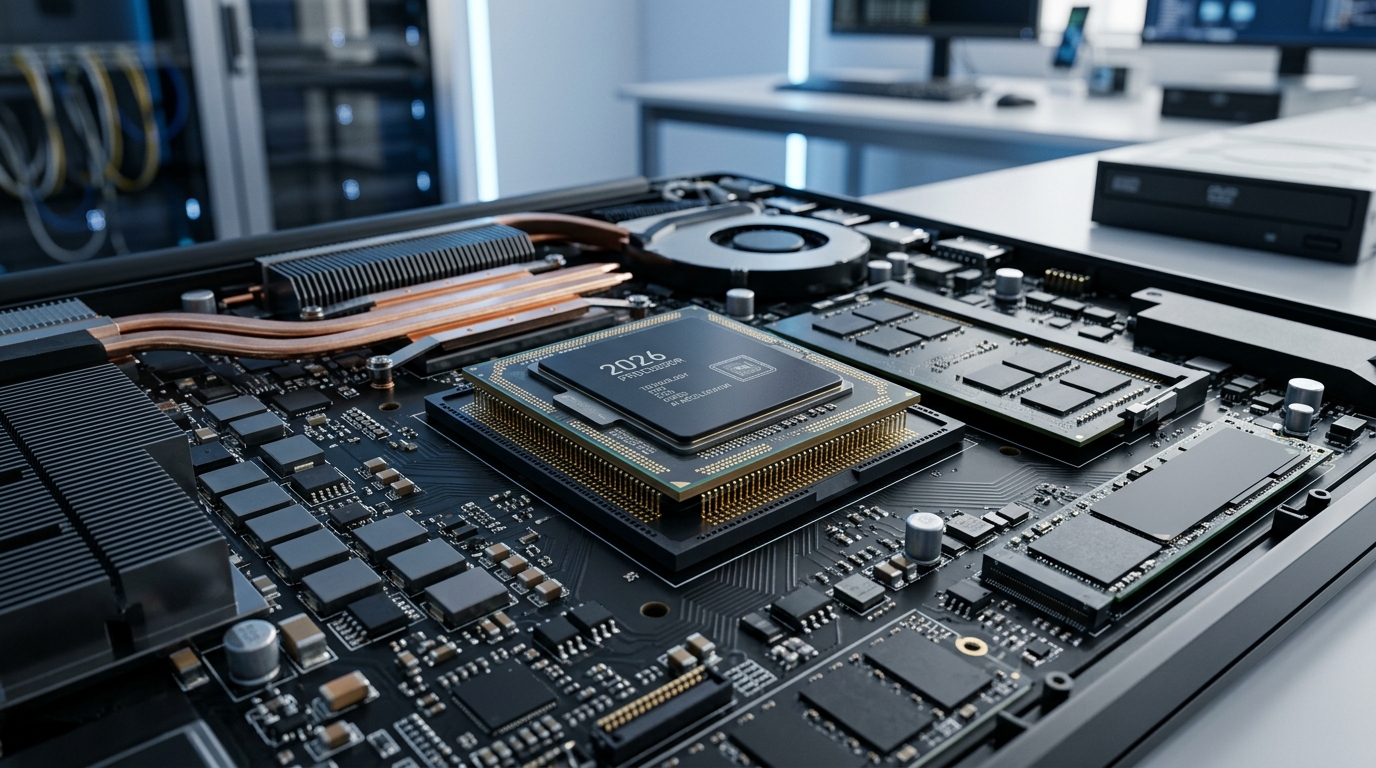
Cache is ultra-fast memory built into the CPU. It stores frequently used data so the processor doesn’t have to wait for slower RAM. A larger cache can significantly speed up tasks like gaming and data analysis.
In 2026, high-end laptop CPUs often have 24MB to 36MB of L3 cache. For example, AMD’s Ryzen 9 8945HS has 16MB, while Intel’s Core Ultra 9 185H has 24MB. More cache helps in games and professional apps that access the same data repeatedly.
You won’t see cache size on most spec sheets, but it’s worth checking if you’re a gamer or power user. A chip with 32MB cache can outperform a slightly faster chip with only 16MB in some games.
Integrated Graphics and AI: The New Normal
In 2026, most laptop processors come with integrated graphics powerful enough for light gaming and video playback. Intel’s Arc graphics and AMD’s Radeon 780M can handle esports titles like Valorant at 1080p.
But if you want to play AAA games or do 3D modeling, you’ll still need a discrete GPU. The integrated graphics in a thin laptop won’t cut it for Cyberpunk 2077 at high settings.
AI is another factor. Many 2026 CPUs include a neural processing unit (NPU) for AI tasks like background blur in video calls or local language model inference. Intel’s Meteor Lake and AMD’s Ryzen 8000 series both have NPUs, but their performance varies.
For now, NPUs are mostly used for minor conveniences. But as more apps add AI features, having a decent NPU could extend your laptop’s useful life.
Power Efficiency and Battery Life
A processor’s power draw directly affects battery life and heat. You’ll see two numbers: TDP (thermal design power) and actual power consumption. TDP is a rough estimate of heat output, but real-world power can spike much higher.
In 2026, look for chips built on a 4nm or 3nm process. These are more efficient than older 7nm or 10nm designs. For example, Apple’s M3 series uses a 3nm process and delivers outstanding battery life, often 15 to 20 hours of real use.
On the Windows side, Intel’s Core Ultra and AMD’s Ryzen 8000 series are also efficient, but battery life depends on the laptop’s other components and tuning. A 99Wh battery in a Dell XPS 13 can last 12 hours with a Core Ultra 7, while a gaming laptop with the same chip might last only 5 hours.
Making the Right Choice for You
To sum up, here’s a quick checklist based on your needs:
- Basic user: Intel Core Ultra 5 or AMD Ryzen 5, 8GB RAM, integrated graphics.
- Student or office worker: Intel Core Ultra 7 or AMD Ryzen 7, 16GB RAM, 512GB SSD.
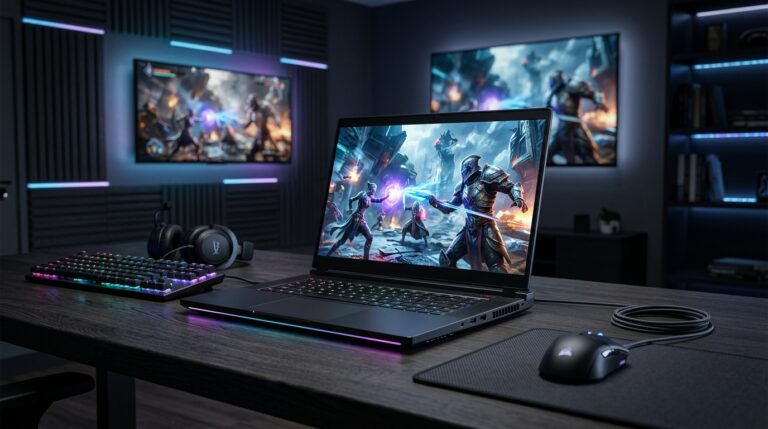
- Gamer or creator: Intel Core Ultra 9 or AMD Ryzen 9, 32GB RAM, discrete GPU like RTX 4060.
- Road warrior: Apple M3 or Intel Core Ultra 7 with low power draw, 16GB RAM, 1TB SSD.
Don’t forget to check reviews for real-world performance and battery life. A processor is only one part of the puzzle; the laptop’s cooling, RAM, and storage matter just as much.
Finally, consider future-proofing. A mid-range chip from 2026 will likely handle everyday tasks well for 4 to 5 years. But if you’re buying for heavy workloads, invest in a higher tier now to avoid upgrading sooner.
Q: What’s more important: core count or clock speed?
It depends on your tasks. For multitasking and heavy workloads like video editing, more cores help. For quick, single-threaded tasks like opening apps, higher clock speed matters more. In 2026, a balance of 6 to 8 performance cores with a high boost clock works well for most users.
Q: Do I need an NPU for AI tasks?
Not necessarily. Most AI features today run fine on a CPU or GPU. An NPU can improve efficiency for always-on AI like background blur, but it’s not essential. If you want future-proofing, a chip with an NPU is nice to have, but don’t pay a premium for it alone.
Q: How much cache do I need in a laptop CPU?
For general use, 8MB to 16MB of L3 cache is sufficient. Gamers and professionals benefit from 24MB or more, as it reduces data access times. If you’re choosing between two similar CPUs, the one with more cache often performs better in games and data-heavy apps.
Q: Will a more powerful processor drain my battery faster?
Yes, generally. Higher-performance chips consume more power, especially under load. However, efficiency varies by architecture. A 2026 chip built on a 3nm process can be both fast and efficient. Look for reviews that measure actual battery life, as laptop design and battery size also play big roles.
Q: Is it worth buying a laptop with the latest processor?
Not always. A mid-range chip from last year can still handle everyday tasks well and save you money. But if you need the best performance or battery life, the latest generation often brings meaningful improvements. Consider your budget and how long you plan to keep the laptop.
Article Was Generated By AI.