Choosing between a Windows laptop and a Chromebook often comes down to one question: what do you actually need to do? Both run apps, connect to Wi-Fi, and fit in a backpack. But they’re built for different jobs, and picking the wrong one means living with compromises for years.
I’ve tested dozens of both over the past decade, from $200 Chromebooks to $2,000 Windows ultrabooks. The gap isn’t as wide as it used to be, but the right answer still depends on your software, your budget, and how you work.
Start With Your Must-Have Apps
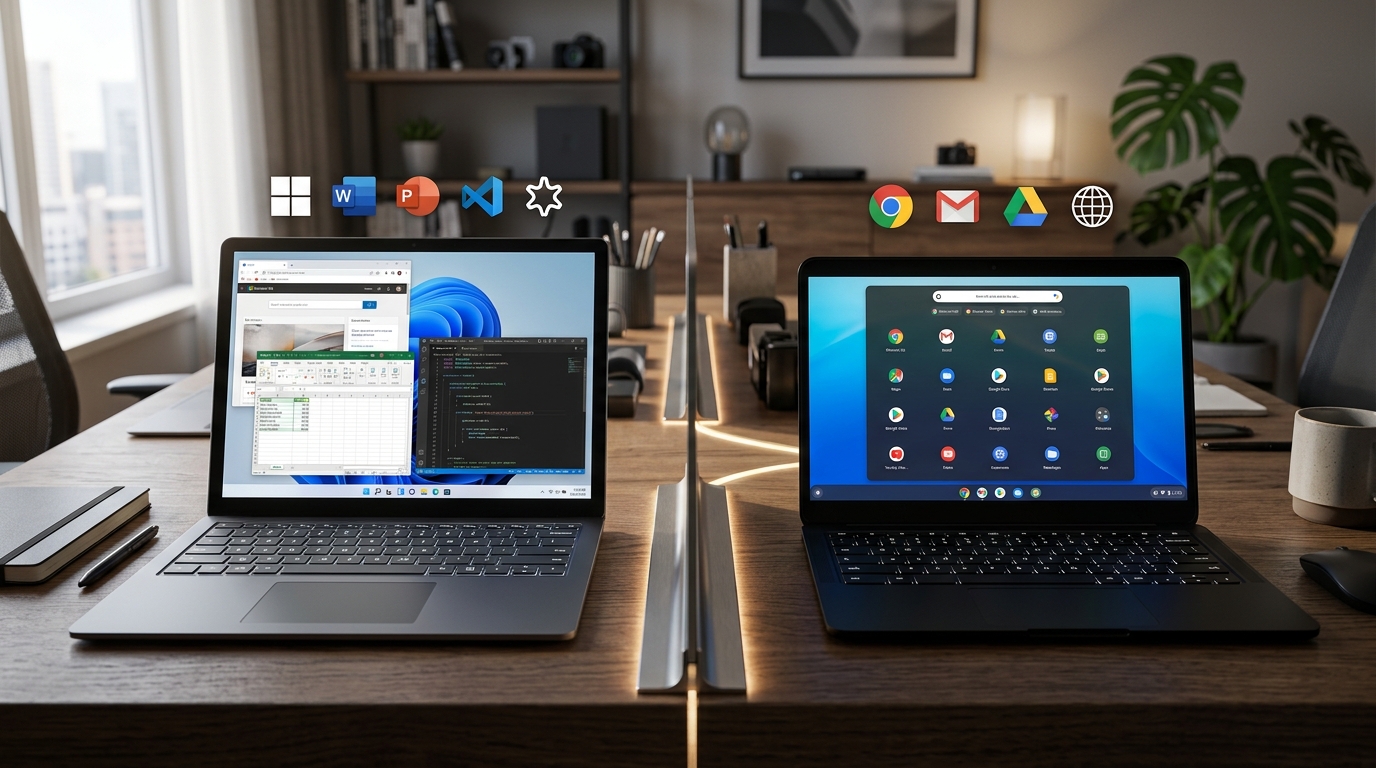
The single biggest factor is software. If you rely on a specific Windows program, the decision is easy: you need a Windows laptop.
Think about the apps you open every day. Adobe Photoshop, Microsoft Access, QuickBooks Desktop, AutoCAD, and most PC games only run on Windows. Some have web versions, but they’re often stripped down. Photoshop’s web app, for example, lacks many advanced tools like custom brushes and full plugin support.
Chromebooks run ChromeOS, which is built around the Chrome browser. You can install Android apps from the Google Play Store and Linux apps on many models, but the core experience is web-first. Google Docs, Slack, Zoom, and Netflix all work great. So does Microsoft 365, as long as you’re okay using the web versions of Word and Excel.
When a Chromebook Is Enough
If your day revolves around a browser, a Chromebook will handle it without breaking a sweat. Students writing papers in Google Docs, sales reps living in Salesforce, and anyone who spends hours in Gmail will feel right at home.
In practice, I’ve seen entire classrooms run on Chromebooks because the management tools are simpler and the devices cost less to replace. Google says Chromebooks made up over 60% of K-12 device shipments in the U.S. in recent years, according to IDC data. That’s not an accident. They’re cheap, secure, and easy to reset.
Compare Price and Long-Term Value
Chromebooks win on sticker price. You can find a decent 11-inch model for $150 to $250, and a premium Chromebook like the Acer Chromebook Spin 714 often lands around $500 to $700. Windows laptops start around $300 for budget models, but a good one with an Intel Core i5 or AMD Ryzen 5 usually costs $600 to $900.
That price gap matters, but it’s not the whole story. Windows laptops tend to last longer because you can upgrade storage and sometimes RAM. Chromebooks are sealed shut, and Google typically stops automatic updates after about 8 to 10 years from the device’s release. After that, you’re on your own for security patches.
If you replace a $250 Chromebook every four years, you’ll spend $500 over eight years. A $700 Windows laptop might last six to eight years with a battery swap. The math gets closer than it looks.
Battery Life and Portability
Chromebooks usually last longer on a charge. Many models hit 10 to 12 hours of real-world use, while most Windows laptops land between 6 and 9 hours. The reason is simple: ChromeOS uses fewer resources, so the same battery goes further.
They’re also often lighter. The Lenovo IdeaPad Flex 3 Chromebook weighs about 2.6 pounds, while a comparable Windows laptop like the Dell Inspiron 14 tips the scales closer to 3.3 pounds. If you’re carrying it all day, that half-pound adds up.
Performance and Multitasking
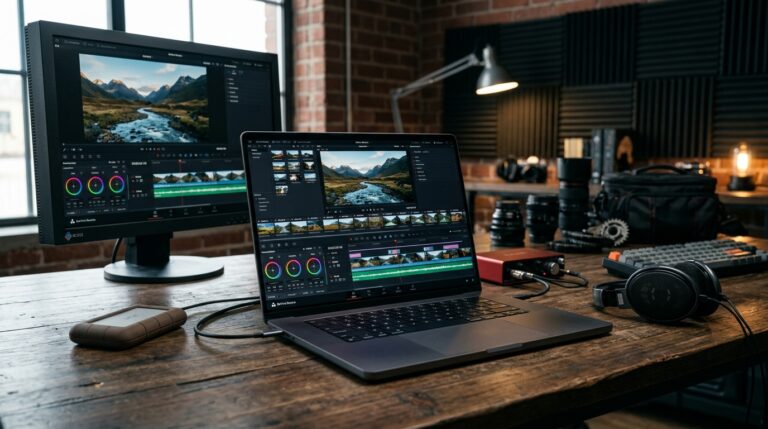
Windows laptops offer more raw power. You can get dedicated graphics, 16GB or 32GB of RAM, and fast NVMe SSDs. That matters for video editing, 3D modeling, or running virtual machines.
Chromebooks are tuned for lighter workloads. Even a premium model with an Intel Core i5 feels snappy for browsing, but start rendering a 4K video or running a dozen browser tabs plus a Linux container, and you’ll notice the limits. RAM is often soldered at 4GB or 8GB, and you can’t add more later.
That said, ChromeOS handles background updates and security better than Windows in some ways. Updates install in seconds and don’t interrupt your work. Windows updates can still take 20 minutes and a reboot, though Microsoft has improved the process with Windows 11.
Offline Work
Both can work offline, but Windows does it more gracefully. You can edit a Word document, sort a spreadsheet, or edit photos in Photoshop without an internet connection. Chromebooks can do some offline work through Google Docs offline mode and Android apps, but the experience is clunkier. If you travel a lot or work in places with spotty Wi-Fi, Windows is the safer bet.
Security and Maintenance
Chromebooks are harder to break. ChromeOS runs each app in a sandbox, and the system verifies its own code at boot. If something goes wrong, you can powerwash it and be back up in minutes. There’s no antivirus to install, and malware is rare.
Windows requires more care. You’ll want antivirus software (Windows Defender is decent and free), regular updates, and caution when downloading files. The upside is flexibility. You can install anything you want, from obscure engineering tools to indie games.
For families with kids or schools, Chromebooks reduce IT headaches. For IT departments managing mixed software, Windows offers more control through tools like Group Policy and Intune.
How to Decide in 5 Minutes
Ask yourself these questions. If you answer yes to any of the first three, get a Windows laptop.
- Do you need a specific Windows-only program (Photoshop, AutoCAD, QuickBooks Desktop, PC games)?
- Do you need to run heavy multitasking or professional creative software?
- Do you often work offline or in places with unreliable Wi-Fi?
If you answer yes to most of these, a Chromebook will serve you well.
- You live in a browser and use Google Workspace or Microsoft 365 web apps.
- You want a device that’s cheap, light, and lasts all day.
- You don’t want to think about antivirus, updates, or maintenance.
- You mainly stream, email, write, and browse.
One more thing: consider a 2-in-1. Many Chromebooks and Windows laptops convert to tablets, which is handy for reading or sketching. The Lenovo Flex 5i Chromebook and HP Envy x360 are both solid options in that category.
Conclusion
There’s no universal winner. A Chromebook is the smarter pick if your work happens in a browser and you value simplicity and battery life. A Windows laptop is the right call if you need specific software, more power, or offline flexibility. Match the device to your daily tasks, not the spec sheet, and you’ll be happy for years.
Q: Can a Chromebook run Microsoft Office?
Yes, but only the web versions of Word, Excel, and PowerPoint through Office.com. These work well for basic editing and collaboration. If you need offline access or advanced features like macros in Excel, a Windows laptop is better. You can also install the Android versions of Office apps on a Chromebook, though they’re less capable than the desktop versions.
Q: Which has better battery life, Windows or Chromebook?
Chromebooks generally last longer. Most models get 10 to 12 hours of real-world use, while typical Windows laptops manage 6 to 9 hours. ChromeOS is lighter and more efficient, so the same battery capacity goes further. However, high-end Windows laptops like the MacBook Pro or Dell XPS can match or beat Chromebooks, but they cost significantly more.
Q: Are Chromebooks good for gaming?
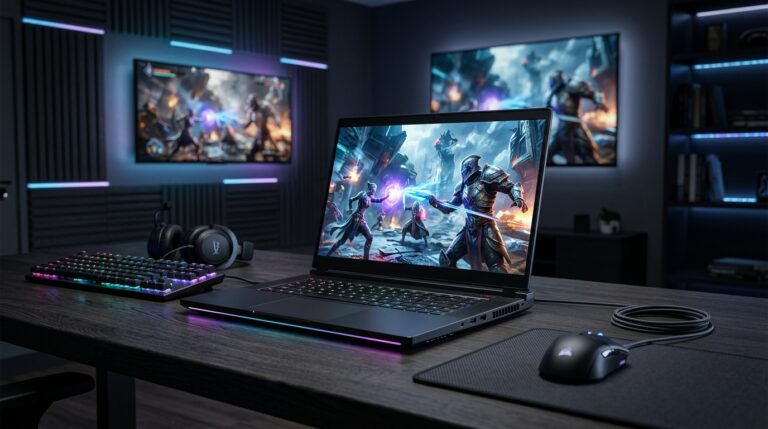
Not for most games. Chromebooks can run Android games and some Linux games, plus cloud gaming services like Xbox Game Pass Ultimate and GeForce Now. But they can’t run Windows games natively. If gaming is a priority, especially AAA titles, you’ll need a Windows laptop with a dedicated GPU or a gaming console.
Q: How long do Chromebooks last?
Google guarantees automatic updates for about 8 to 10 years from the device’s release date, depending on the model. After that, you won’t get security patches, which makes the device risky to use online. Physically, a well-cared-for Chromebook can last that long, but budget models may show wear sooner. Windows laptops can last longer if you upgrade storage or RAM.
Q: Can I use a Chromebook for video editing?
Light editing is possible with web apps like WeVideo or Adobe Express, and some Android apps like CapCut work. But for serious editing with 4K footage, multiple tracks, and color grading, you’ll want a Windows laptop with a dedicated GPU and at least 16GB of RAM. Chromebooks lack the processing power and storage for heavy video work.
Article Was Generated By AI.